Oral Health: Essential for Children to the Elderly In Nepal, oral cancer is more common in men over 50 years of age, and smoking is the main cause, and new cases have increased by 35.71 percent. 'In today's busy lifestyle, not all of us are able to keep our mouths healthy, which directly affects our overall physical health. Therefore, a healthy mouth is a healthy life.' The slogan of World Oral Health Day 2026 is 'A Happy Mouth is a Happy Life'. Due to their damaged teeth, they are afraid and hesitant to speak or laugh in front of a crowd of people. This also affects their mental health. On the other hand, they feel inferior and consider themselves weak. There are many problems that arise from not keeping their mouths healthy. Nowadays, various types of problems are seen in the teeth of young children to the elderly. Dental problems and pain also affect a person's eating and sleeping habits, which negatively affects their overall physical health. Today, abou...
Keep in mind, things to do when buying a new phone
What do you do when you buy a new smartphone? Many people check their mobile cameras.
Some people look at the apps on the mobile, while a few users go to the settings to see what the features of the mobile are.
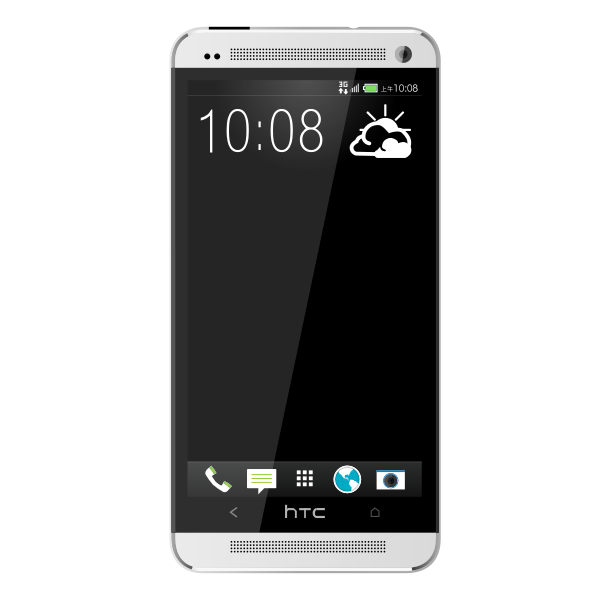
However, apart from these, there are many other things, which we need to pay attention to.
1. Backing up an old phone
After buying a smartphone, the most important thing is data. Transferring data from the old phone to the new phone is the most important thing.
By using the cloud, you can transfer phone numbers, photos, videos, messages, user names and passwords of various apps and websites from your old phone to your new phone.
But along with this, another thing that we should pay attention to is the data in different apps. Messaging apps like WhatsApp, Viber are very important in today's business life.
Because of this, it is important to keep the data in these apps in backup. But for this, the user has to make a backup himself. That is, you have to enable the backup setting in the app.
In this way, it is necessary to keep the data in other apps in backup.
2. Purchase of necessary mobile accessories
After buying a new mobile, we have to buy other materials for this. The first thing that everyone does after buying a new mobile is to buy a cover for the phone.
A cover is kept to protect your new phone. Along with the phone cover, protection glass can be placed on the phone, portable power bank can be purchased, popsockets and phone grips can also be purchased as needed.
3. Downloading apps
Most of the smartphones these days come pre-installed with all the apps required by the user. Even the apps that are already installed on the mobile have to be set up before using them.
Along with this, there are many apps that you need, which need to be downloaded. Or apps can be moved from the old mobile to the new mobile.
4. Personalize the design of the phone
After the new phone is all set up, users do things like keeping the old wallpaper to give the looks of their old mobile. But along with this, the new design and features of the phone can also be used.
Also, new lock screen and wallpaper features that come every time on the smartphone should be set up. It helps our daily life.
Like, watch, calendar, weather information and other features can be added to the lock screen widget. You can also adjust what is visible or not visible on the lock screen.
5. Changing battery settings
After purchasing a new smartphone, the battery settings should also be adjusted. Due to some apps and other features already in the mobile, the battery may be consuming fast.
Depending on the brand of the mobile phone, there are different settings for the battery. You can use different settings to reduce battery consumption. For example, settings such as the use of apps in the background can be disabled.
6. Change screen settings
Today's smartphones have many features. The most overlooked feature is the phone's display.
Many display settings are provided for the convenience of the user, which we did not care about. Therefore, it is necessary to adjust the settings of the display.
You can change the display settings according to your preference. Generally, settings such as display light are not adjusted in new smartphones.
Comments
Post a Comment
If you have any doubts. Please let me know.