Oral Health: Essential for Children to the Elderly In Nepal, oral cancer is more common in men over 50 years of age, and smoking is the main cause, and new cases have increased by 35.71 percent. 'In today's busy lifestyle, not all of us are able to keep our mouths healthy, which directly affects our overall physical health. Therefore, a healthy mouth is a healthy life.' The slogan of World Oral Health Day 2026 is 'A Happy Mouth is a Happy Life'. Due to their damaged teeth, they are afraid and hesitant to speak or laugh in front of a crowd of people. This also affects their mental health. On the other hand, they feel inferior and consider themselves weak. There are many problems that arise from not keeping their mouths healthy. Nowadays, various types of problems are seen in the teeth of young children to the elderly. Dental problems and pain also affect a person's eating and sleeping habits, which negatively affects their overall physical health. Today, abou...
Resetting the phone? Backup important files like this
We may need to reset the phone for various reasons. There is a possibility that the files in the file will be lost during the factory reset. Similarly, in some cases, transferring the data from the old phone to the new phone is also a hassle. For that, you can take the help of Google Drive.
The Google Drive app is a pre-installed app on all Android phones. You might normally be using it for cloud storage (various file storage).
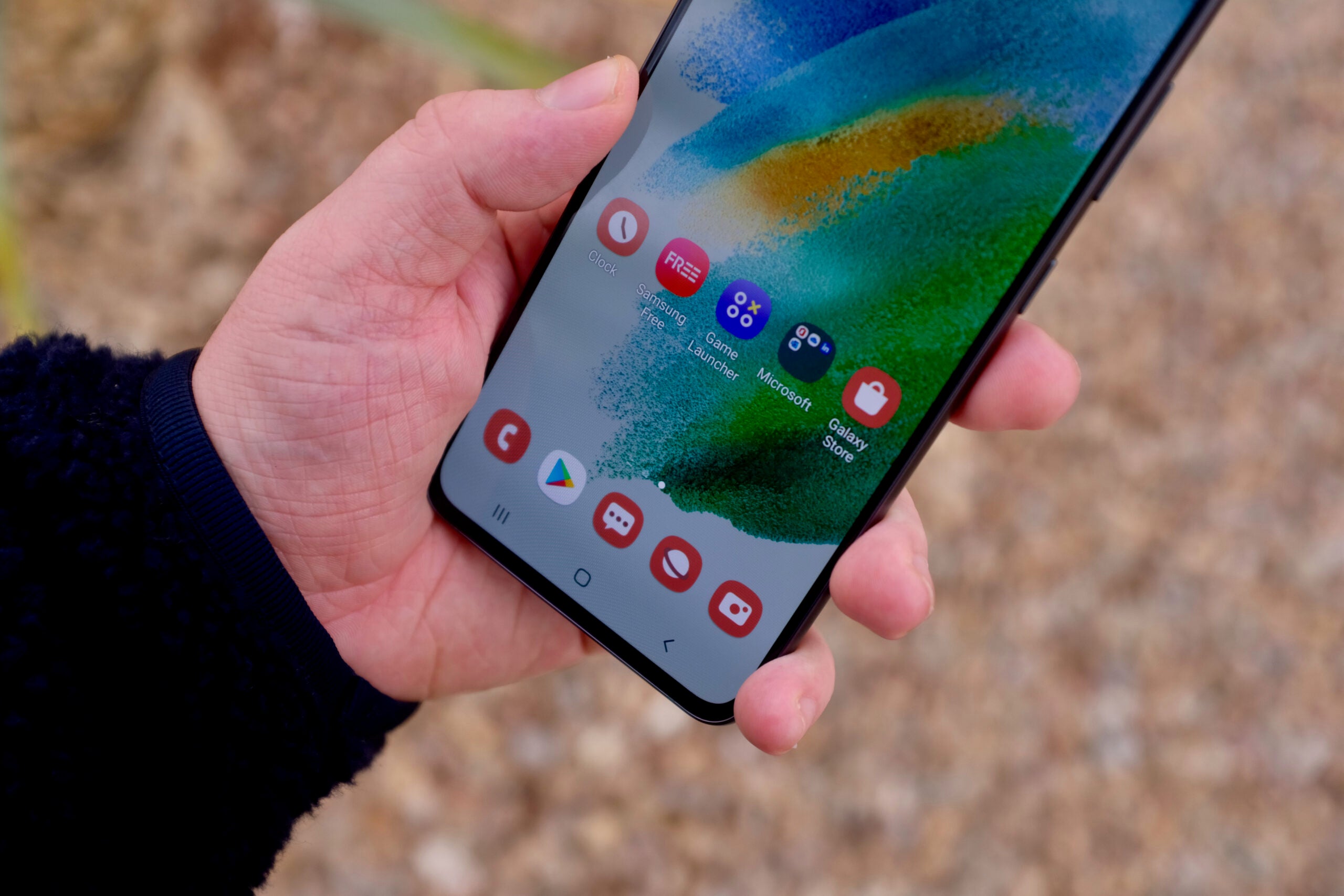
It can also be used for image scanner, file sharing and many other tasks. Today we are giving information on how to use Google Drive as a backup.
When resetting the phone or transferring from an old phone to a new phone, all your data can be backed up with the help of Google Drive.
You can use this service of Google to keep your system, app, data safe, which can be downloaded and brought back when needed.
Follow the steps below to use Google Drive as a backup.
First, open Google Drive.
-Then tap on the three bars on the left side and go to Settings.
- Then go to Backup & Reset option.
-Then tap on Account Storage and choose which account you want to backup.
- Then tap on turn on below.
-Then put the PIN number or pattern on the phone in Back Up Now.
After that, if you confirm, the backup will start.
(For this your phone must have Wi-Fi network or data running.)
After the backup is complete, follow the procedure below to view what was backed up or to download the backup to the new phone.
First of all, log in by choosing the account you used when backing up on the new phone or the same phone. (There is no need to do this if the phone has only one Google account.)
Then open Google Drive.
- Then tap on the three lines on the right side.
-Then select the backup option.
- You can download what you need there.
Comments
Post a Comment
If you have any doubts. Please let me know.