Are Physicians Permitted to Sell Medicines? Here’s What the Law and Code of Conduct Say The Drugs Act, 2035 (1978) and the Drug Registration Regulations, 2038 (1981) stipulate that medicines cannot be sold or distributed without proper registration, certification, and the availability of necessary human resources and infrastructure. Patients visit physicians for medical treatment. The physician examines the patient, diagnoses the illness, and prescribes the necessary medication; the patient then proceeds to a pharmacy to purchase it. However, in some instances, medicines are provided to patients directly from the physician’s own clinic or health institution. This gives rise to a significant question: are physicians permitted to sell medicines? This issue extends beyond a mere matter of professional jurisdiction between physicians and pharmacists. It encompasses concerns regarding the safe use of medicines, a patient’s right to choose , conflicts of interest , the pricing and quali...
This is how to make your smartphone last longer
The use of mobile phones is not limited to calling or texting. Nowadays, many things can be done on a mobile phone. Life without mobile is becoming incomplete.
Mobile phones are being used for playing games, making video calls, browsing the internet, chatting and streaming.
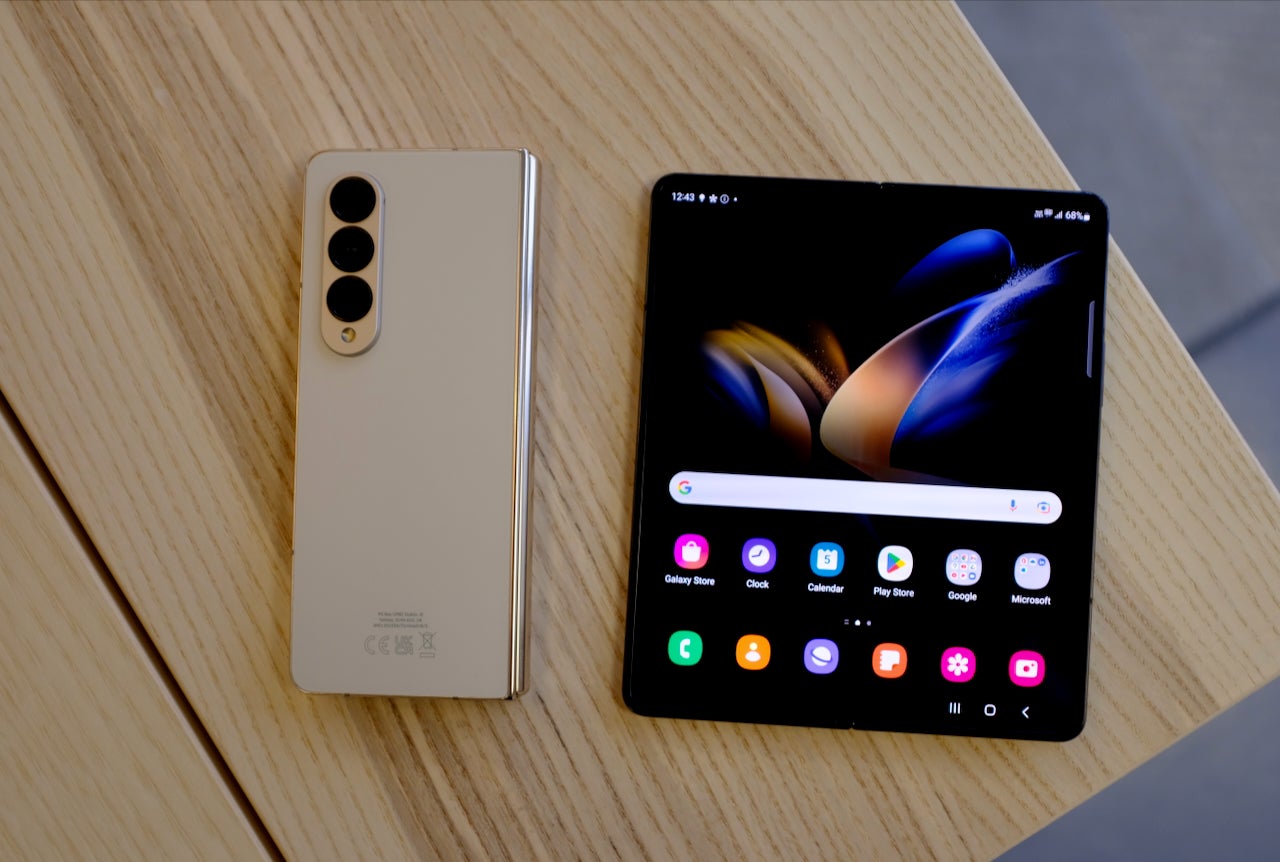
In such a situation, it is a challenge for you and all of us to make the smartphone last for a long time. A smartphone itself is not something that can be bought. We pay a lot of money to buy a mobile phone so that we can use it for a long time after buying it.
But due to our carelessness, there is a danger that the smartphone will break down quickly. Today we are giving you some simple tips to increase the life of your smartphone .
Use the same case
All smartphones look very beautiful when purchased. But it is very sensitive and can be in danger of damage at any time. Therefore, you can buy different types of fan cases to protect the sensitive part of it.
Phone cases are accessories designed for the protection of mobile phones, which protect your phone from washing, water, etc. This will prevent 'accidental damage' if the screen is not damaged.
If you buy a smartphone by paying thousands of rupees, don't forget to add some money to buy a phone case. Because if a few splashes of water fall on the screen, there is no other option but to repair it by spending another.
Currently, there are many fan cases in the market, which not only provide protection to the fan, but also enhance the beauty of the fan's looks.
Follow best practices in battery charging
The battery life of your smartphone is not always the same. Its capacity decreases with time. Therefore, it is necessary to know the best way to maintain the battery.
For this, the best way to charge can be adopted. The best way is to charge the mobile phone partially but it is a good habit to charge frequently.
For example, never charge your phone to full capacity i.e. 100 percent. Charge the phone's battery to a maximum of 80 to 90 percent and do not let it fall below 30 percent.
If you charge too much, the working capacity of the battery will decrease, gas will start coming out from such charging, which can lead to very bad incidents.
Therefore, if you have a habit of charging the battery overnight, give it up immediately. Instead, charge your phone twice a day, morning and evening. Another important thing is to never operate the phone while charging.
Update the smartphone app regularly
This simple method helps your smartphone stay updated and free from any issues. Keeping the operating system and third party apps updated on the smartphone can increase the lifespan of the device.
It takes some time to update, but the following benefits help to increase the overall performance of your smartphone.
Also, such updates solve the weaknesses (bugs) in the smartphone and keep it free from security threats.
Similarly, by keeping updating the app, the working capacity of the app also starts to improve. By switching the 'update-update' section on the smartphone, all the apps on the smartphone can be automatically updated.
Keep the device and parts clean
Buying a smartphone looks very nice and beautiful. But with regular practice, its appearance becomes clear. The main reason for this is the accumulation of foam on the parts and surfaces of the fan, which causes problems in the performance of the fan.
Clean the charging part, speaker grill, headphone jack, screen etc. from time to time. In some cases it may be difficult to clean the inaccessible parts. By staying at home, you can gradually remove the whiteness of such parts with toothpicks, cotton swabs, etc.
Pay attention to storage
If your phone is getting slow or slow, you can go to storage and check how much space is available. If the storage capacity is full or about to be full, you can remove some apps, apps, videos, recordings and other media files.
At this time you can move your media files to the cloud, pen drive or local storage on your computer. If you delete the file and restart the file, it will start performing well again.
Comments
Post a Comment
If you have any doubts. Please let me know.