Oral Health: Essential for Children to the Elderly In Nepal, oral cancer is more common in men over 50 years of age, and smoking is the main cause, and new cases have increased by 35.71 percent. 'In today's busy lifestyle, not all of us are able to keep our mouths healthy, which directly affects our overall physical health. Therefore, a healthy mouth is a healthy life.' The slogan of World Oral Health Day 2026 is 'A Happy Mouth is a Happy Life'. Due to their damaged teeth, they are afraid and hesitant to speak or laugh in front of a crowd of people. This also affects their mental health. On the other hand, they feel inferior and consider themselves weak. There are many problems that arise from not keeping their mouths healthy. Nowadays, various types of problems are seen in the teeth of young children to the elderly. Dental problems and pain also affect a person's eating and sleeping habits, which negatively affects their overall physical health. Today, abou...
Why is guest mode necessary for Wi-Fi used at home?
The use of Wi-Fi Internet has increased recently. Home, office, public place where Wi-Fi is available. Many of us probably have Wi-Fi connected at home. If a guest comes to the house or a new person comes, the first thing is to look for the Wi-Fi password.
You may not think so. However, the router is also one of the most personal items in your home. As much as you care about your personal phone. The router should also be taken care of. All traffic from your home to the Internet goes through that little device.
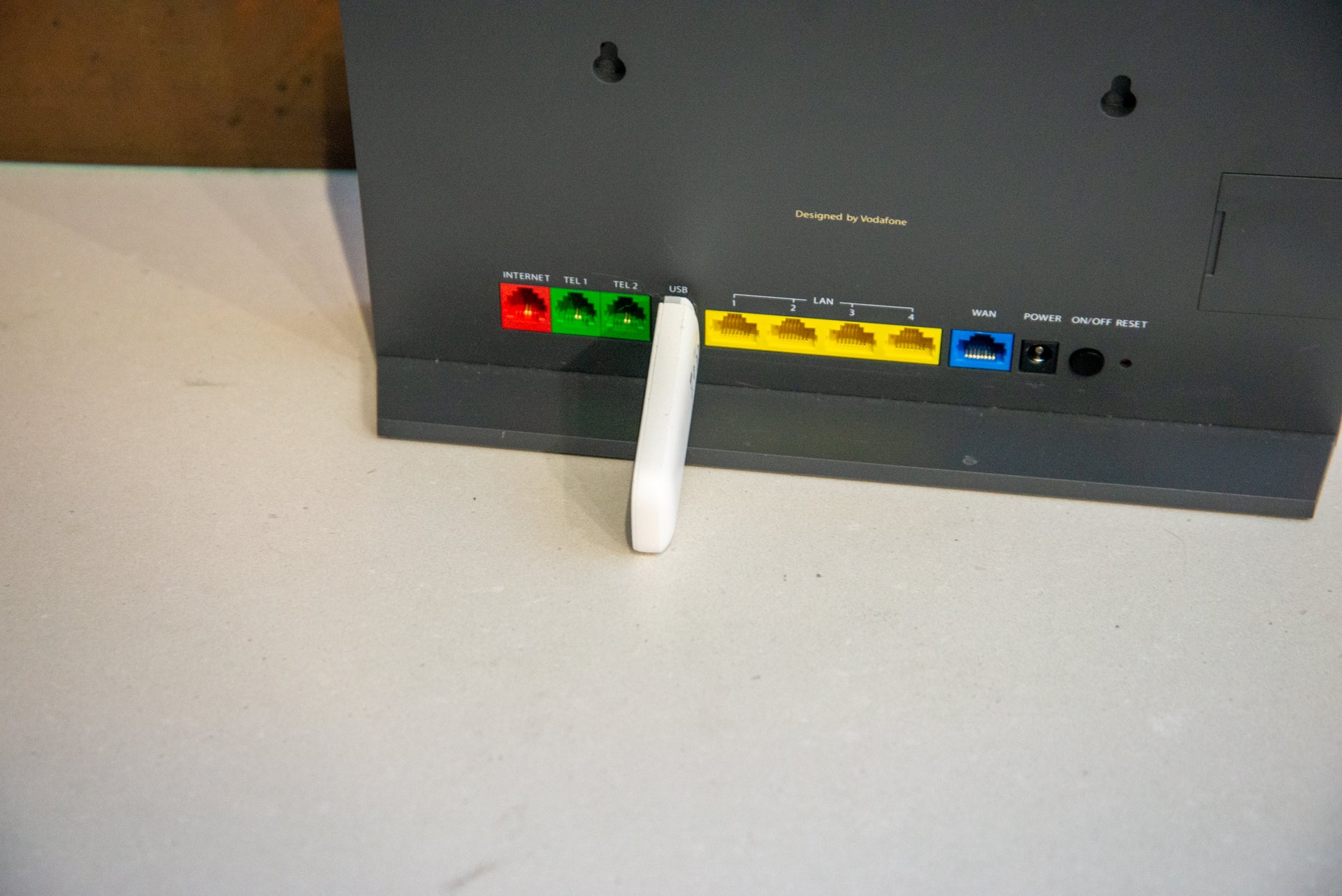
For this reason, you have to protect your home router in various ways. No paid security subscription is required to protect the router from other people. You just need to set guest mode for that. This creates a different SSID (Service Set Identifier) from your main network. In which separate Wi-Fi name, password and traffic are prepared.
Guest models have separate passwords and settings. This mode is specially designed to be created once and removed again.
For that, first go to the Wi-Fi admin page. The admin page of Wi-Fi is different according to each internet service provider. So you can ask your service provider how to go to admin page.
After going to the admin page there is an option of guest mode. You have to go to it and enter the Wi-Fi name and password. Then the Wi-Fi name appears outside. If it is deleted, the Wi-Fi of the person connected with that password will be automatically disconnected.
Having a separate network name and password means you don't have to give your main network details to your house guests. This way you don't have to worry about your main Wi-Fi.
Comments
Post a Comment
If you have any doubts. Please let me know.