Oral Health: Essential for Children to the Elderly In Nepal, oral cancer is more common in men over 50 years of age, and smoking is the main cause, and new cases have increased by 35.71 percent. 'In today's busy lifestyle, not all of us are able to keep our mouths healthy, which directly affects our overall physical health. Therefore, a healthy mouth is a healthy life.' The slogan of World Oral Health Day 2026 is 'A Happy Mouth is a Happy Life'. Due to their damaged teeth, they are afraid and hesitant to speak or laugh in front of a crowd of people. This also affects their mental health. On the other hand, they feel inferior and consider themselves weak. There are many problems that arise from not keeping their mouths healthy. Nowadays, various types of problems are seen in the teeth of young children to the elderly. Dental problems and pain also affect a person's eating and sleeping habits, which negatively affects their overall physical health. Today, abou...
What should be done to keep ghrelin (hunger hormone) balanced? Know from the expert
Usually ghrelin hormones work to regulate hunger. Let's know from the doctor what should be done to keep ghrelin hormones balanced.
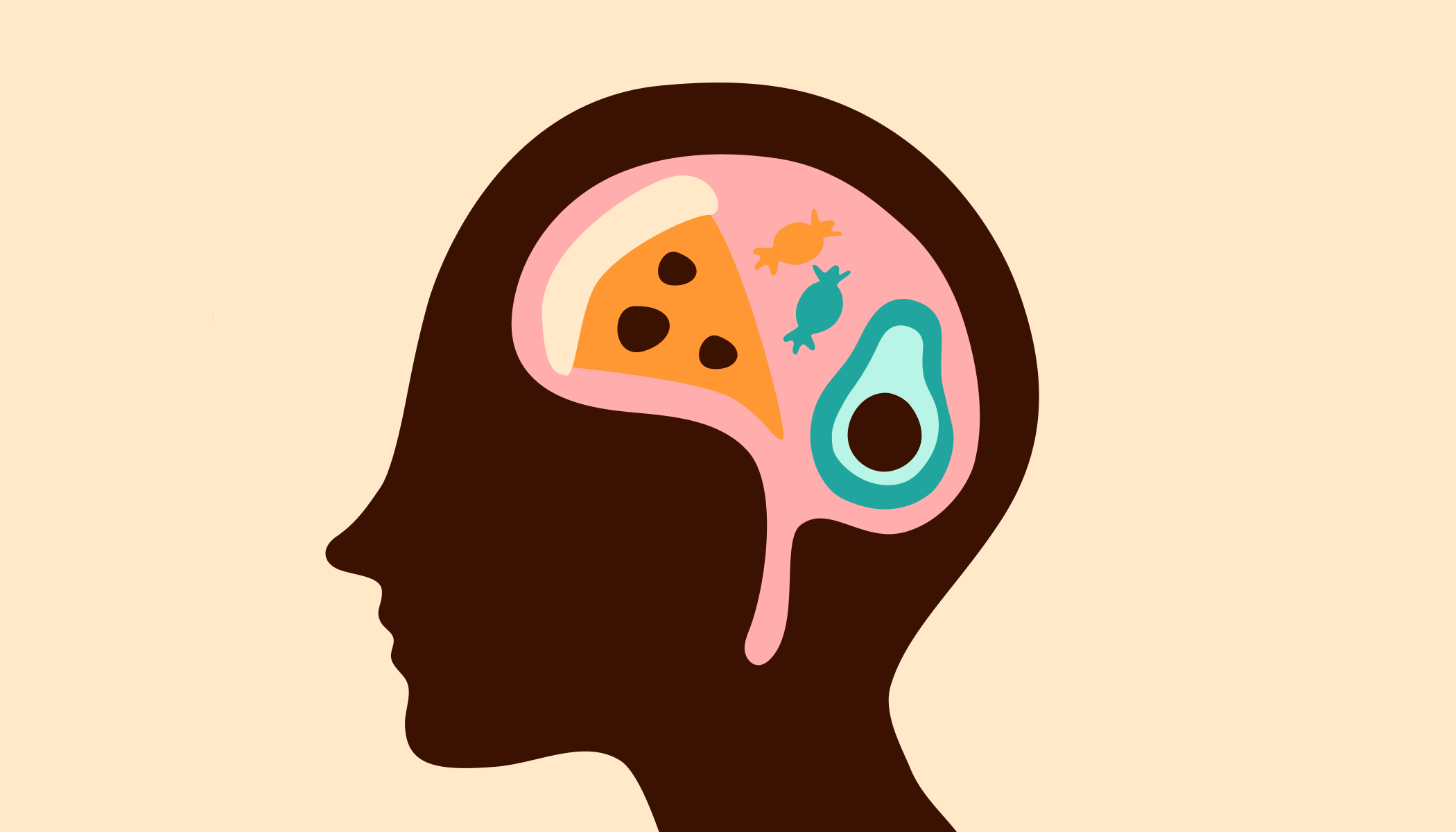
Tips to Balance Ghrelin Hormone: It is very important to keep the balance of hormones in the body, if the balance of your hormones is not right, then you may have to face many health related problems. Along with sex, stress and happy hormones in the body, there are ghrelin hormones to manage hunger. Usually ghrelin hormones work to regulate hunger. There are many reasons behind its imbalance. Let's know from certified fitness coach Gunjan Taneja what should be done to keep this hormone balanced.
Take a protein rich diet
To keep the ghrelin hormone balanced, you should take a protein rich diet. This keeps the stomach full for a long time, due to which this hormone remains balanced. For this, you should consume eggs, lentils, lean meat, cottage cheese, milk and almonds etc. If your ghrelin level is high, then you can get a diet chart prepared from a dietician.
Take 7 to 8 hours of sleep
It is important to take good and quality sleep to stay healthy. Incomplete sleep can cause imbalance in hormones. Therefore, to keep it balanced, it is very important for you to take at least 7 to 8 hours of sleep. By doing this, along with your other hormones, ghrelin hormone also remains completely balanced.
Eat fiber-rich foods
If your ghrelin hormone is unbalanced, then you need to eat fiber-rich diet. Eating fiber-rich foods keeps the stomach full for a long time. This does not make you feel hungry for a long time. This also prevents you from overeating, which reduces the problem of obesity. For this you can eat chia seeds, avocado, broccoli, apple, green vegetables, banana, almond, carrot and banana etc.
Comments
Post a Comment
If you have any doubts. Please let me know.